








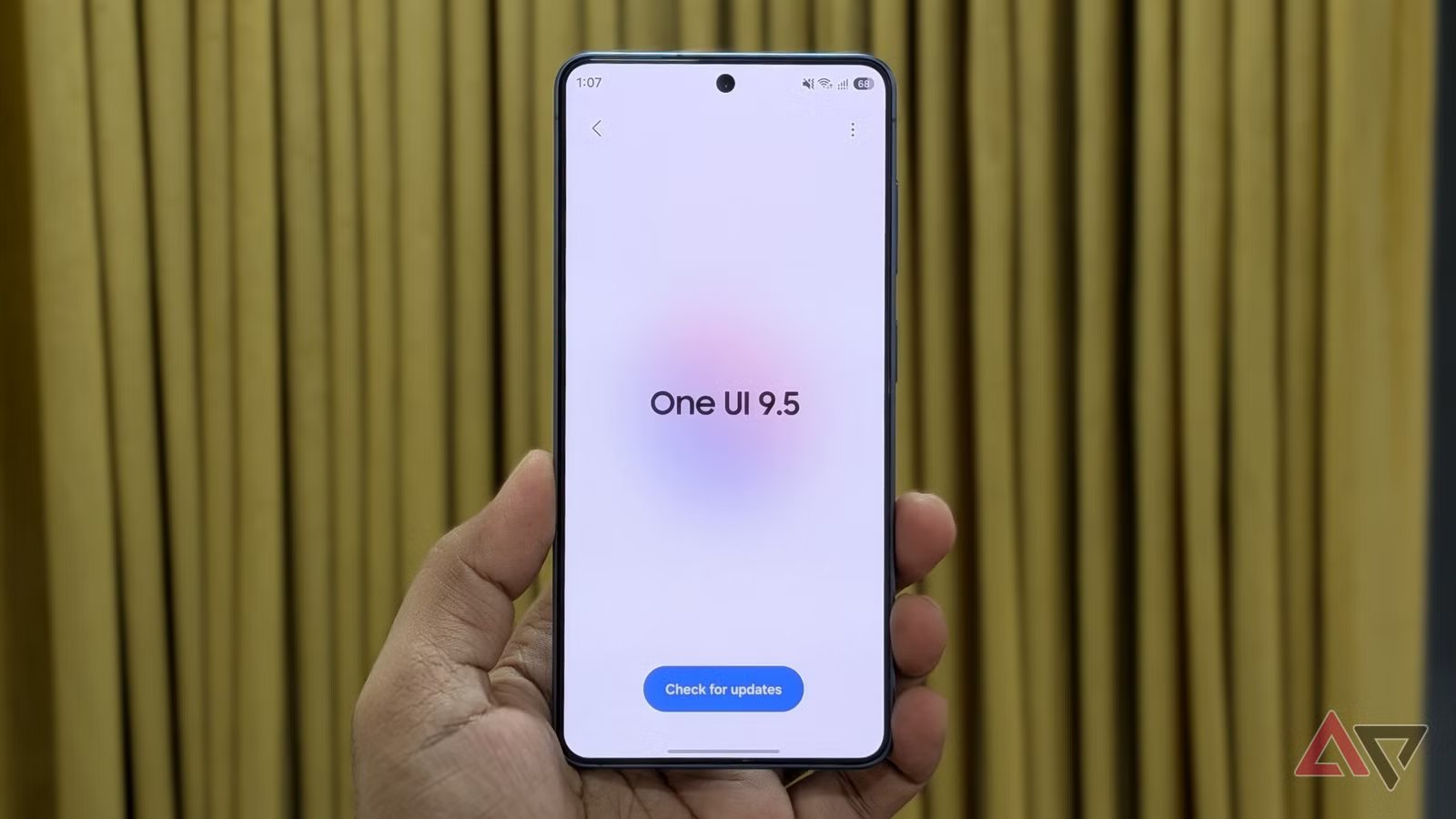
Samsung has officially initiated the One UI 9.5 beta program for the Galaxy S26, providing a first look at several refinements designed to improve daily usability and device security. This update introduces a collection of quality-of-life enhancements, ranging from long-requested security features to intelligent automation tools. Below is an overview of the key changes currently available in the testing phase.
Native App Locking
One of the most significant inclusions in this release is the implementation of native app locking. Previously, Samsung users often relied on the Secure Folder or third-party solutions to restrict access to specific applications. One UI 9.5 streamlines this by allowing users to lock apps directly.
By long-pressing an app icon and selecting the padlock icon, users can instantly secure an application. This action automatically hides the app’s notification content and removes any associated widgets from the home screen, ensuring private information remains obscured from the lock screen or notification shade. For bulk management, a centralized menu is located under Settings, Security and privacy, and More privacy settings. Once enabled, apps can be unlocked using biometric authentication or a PIN. The system now supports simultaneous fingerprint and face recognition, allowing for faster, more seamless access to secured content.
Privacy Display Intelligence
Privacy Display, a standout feature for the Galaxy S26 series, has received a functional upgrade to improve its responsiveness. In previous versions, the feature often required manual toggling to ensure sensitive information was masked from onlookers.
In One UI 9.5, Privacy Display now operates with increased automation. Users can configure the setting to trigger specifically when accessing sensitive areas, such as the Secure Folder, private albums within the Gallery, or locked notes. By tying the display mask directly to these specific actions, the phone ensures that the screen remains in a standard viewing state for general tasks while automatically protecting private data when a high-security app is launched. This reduces the friction of managing privacy settings during daily use.
Quick Share Tap-to-Share
Quick Share has expanded its functionality with the introduction of a tap-to-share mechanism. This feature simplifies the process of transferring files, contacts, links, and locations between compatible devices by leveraging NFC technology.
To use this, users must ensure both devices are unlocked with NFC enabled. By navigating to the Quick Share settings, the Tap to share toggle can be activated. When sharing media or contact information, users can select the desired content and simply tap the backs of the two devices together. This development enhances the utility of Quick Share, making it a more immediate and tactile process for local file transfers, particularly for users who frequently share content between their own devices or with others.
Live Depth Effect for Wallpapers
One UI 9.5 introduces a visual flair for the lock screen with the new Live Depth Effect. This feature utilizes the phone’s sensors to create a 3D-like perspective on standard static images.
When editing the lock screen, selecting the Live effect option triggers an automated process that distinguishes the foreground of an image from the background. As the user tilts the device, the foreground moves slightly relative to the background, creating a sense of depth. This brings a more dynamic feel to the interface without requiring complex setup or specific hardware requirements, effectively using software processing to modernize the standard static wallpaper aesthetic.
Enhanced Storage Management
Recognizing the limitations of fixed internal storage, Samsung has updated the My Files app to include automated storage cleanup suggestions. Users can now navigate to the Manage storage section to find a dedicated Free up space menu.
The system analyzes the device for redundant files, including pre-edit backups, temporary trash data, and residual app caches. It provides a quick summary of how much space can be reclaimed and allows users to select these items for deletion in one operation. By centralizing these maintenance tasks within the native file manager, the update helps users maintain storage capacity more effectively without the need for external cleanup applications.
Pause Before App Launch
To assist with digital well-being, the update introduces a feature called Pause before app launch. This is intended to mitigate compulsive behaviors by creating a intentional delay when opening specific applications.
Accessed via the Digital wellbeing and App timers menu, this feature allows users to set a 10-second buffer for any app or category of apps. When the user attempts to launch a restricted application, the system displays a countdown timer. This brief interruption acts as a deliberate speed bump, encouraging users to consider whether the application is necessary at that moment. It provides a simple but effective deterrent for users attempting to regulate their screen time or reduce the habit of frequent, aimless app checking.
Outlook for the Stable Release
The One UI 9.5 beta currently offers a preview of how Samsung intends to evolve its software ecosystem. By addressing fundamental user needs—such as native app security, efficient file sharing, and digital wellness—the update reflects a focus on refinement rather than radical change. While the beta is currently limited to specific regions, these features are expected to become a core part of the One UI experience as the software moves toward its stable launch, likely aligning with the release cycle of upcoming flagship hardware.
Disclaimer: This content is auto-generated for informational purposes only.
Source: Read Original News