









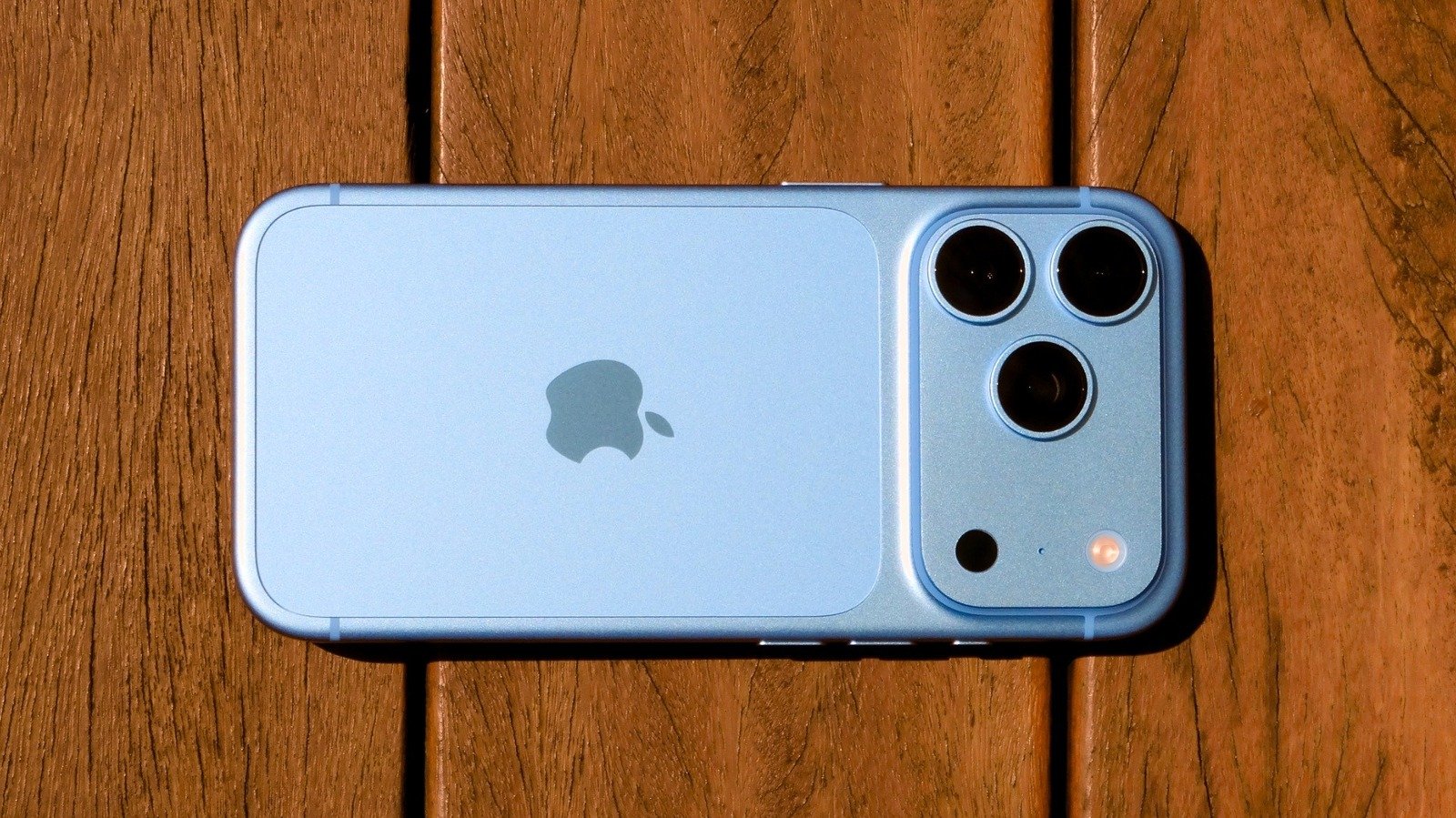
The iPhone 18 Pro has officially arrived, bringing a suite of hardware and software refinements that distinguish it from previous iterations. While the device shares the A20 Pro chip and a refined aesthetic with the broader lineup, the Pro model introduces specific technical capabilities—particularly in imaging and power management—that demand immediate exploration. For new users looking to leverage the device’s full potential, here are five essential features to test upon unboxing.
Play with the camera’s new variable aperture
The standout hardware addition to the iPhone 18 Pro is the inclusion of a true variable aperture on its 48-megapixel main sensor. Unlike software-based depth mapping, this lens utilizes a mechanical system with six physical blades that adjust the physical size of the opening. Users can toggle between four specific aperture settings: f/1.48, f/1.8, f/2.8, and f/4.
This hardware transition moves mobile photography closer to the functionality of traditional DSLR cameras. At f/1.48, the sensor maximizes light intake and creates a shallow depth of field, which is ideal for isolating subjects in low-light environments. Conversely, stopping down to f/4 increases the depth of field, ensuring that large groups or intricate landscape details remain in sharp focus. Users should also note that the f/4 setting facilitates a starburst effect when capturing bright light sources. These controls are accessible via the six-dot interface within the Camera app, though they remain exclusive to the main lens in 1x and 2x focal lengths.
Go through the new Pro camera controls
Beyond the variable aperture, Apple has expanded the manual capabilities of the native Camera app. Professional users no longer need to rely exclusively on third-party software to manipulate core exposure variables. The interface now permits precise adjustment of shutter speed, manual focus, and white balance.
These granular settings are consolidated within the same six-dot menu as the aperture controls. The ability to lock white balance is particularly useful for maintaining consistent skin tones when moving across varied lighting conditions, while manual shutter speed control allows for creative long-exposure photography, such as capturing light trails from moving vehicles. To streamline workflows, the interface allows users to customize the top toolbar, enabling them to pin their most frequently used manual settings for immediate access.
Adjust grain and texture in Photographic Styles
The evolution of Photographic Styles in the iPhone 18 Pro provides a more sophisticated approach to image processing. Rather than applying a standard flat filter over the entire image, this feature uses semantic processing to adjust specific layers—such as shadows, contrast, and highlights—independently.
New to the 18 Pro are the texture and grain adjustments. Found within the editing menu under the Styles tab, the Texture tool allows users to subtly alter the image’s surface characteristics. Users can apply a soft-focus glow to highlights or introduce authentic film-style grain to achieve a specific aesthetic quality. This tool is effective for refining portraiture, as it can soften skin textures without degrading the sharpness of the subject’s eyes or features, offering a level of post-processing control that was previously unavailable in the default camera app.
Try out the new Dynamic Island
The Dynamic Island, which repurposes the camera cutout area for system notifications and background processes, has undergone a physical reduction in size on the iPhone 18 Pro. This design change increases the usable screen real estate during standard operations. More importantly, the system has been upgraded to support up to three simultaneous Live Activities.
This means the interface can now manage concurrent tasks—such as a timer countdown, an active music stream, and a live sports score—within the same visual space. Users can interact with each activity by performing a long-press on the island, which expands the segment to reveal more detailed controls or information. This multi-tasking capability ensures that users remain informed of background events without needing to switch between open applications, enhancing the efficiency of the device’s multitasking environment.
Plug it in for a fast charge
The iPhone 18 Pro introduces significantly improved charging performance, specifically designed for short-burst replenishment. Utilizing a compatible power adapter, the device can reach a 50 percent charge from empty in approximately 15 minutes via wired connection, or 30 minutes when using a MagSafe charger.
To achieve these speeds, users must pair the device with a high-wattage power source. The hardware supports USB Power Delivery (PD) 3.1, and optimal performance requires an adapter with Adjustable Voltage Supply (AVS) that delivers 60W or higher. While the charging rate naturally throttles as the battery nears capacity to protect long-term cell health, the initial burst speed provides a substantial advantage for users who need to power up quickly before leaving the house. Understanding these power requirements is essential for ensuring that the hardware performs according to its advertised specifications, transforming how users manage the device’s power lifecycle.
Disclaimer: This content is auto-generated for informational purposes only.
Source: Read Original News