








Apple’s CarPlay has fundamentally transformed the automotive dashboard, converting standard infotainment screens into intuitive, high-utility extensions of the iPhone. While many drivers utilize the platform solely for music playback and basic navigation, the true power of the system lies in its granular configuration. With the recent rollout of iOS 27, Apple has introduced refined capabilities that allow for deeper integration between the driver and the vehicle. Understanding these adjustments can significantly enhance safety, utility, and the overall efficiency of your daily commute.
Refining the Interface Layout and Visual Hierarchy
The primary interface of CarPlay is designed for quick recognition, but it is not inherently optimized for every user’s specific needs. Customizing the icon layout is the most effective way to reduce cognitive load while driving. Unlike other vehicle settings, this configuration occurs on the iPhone itself. By navigating to Settings, selecting General, and then tapping CarPlay, users can access the specific profile for their vehicle.
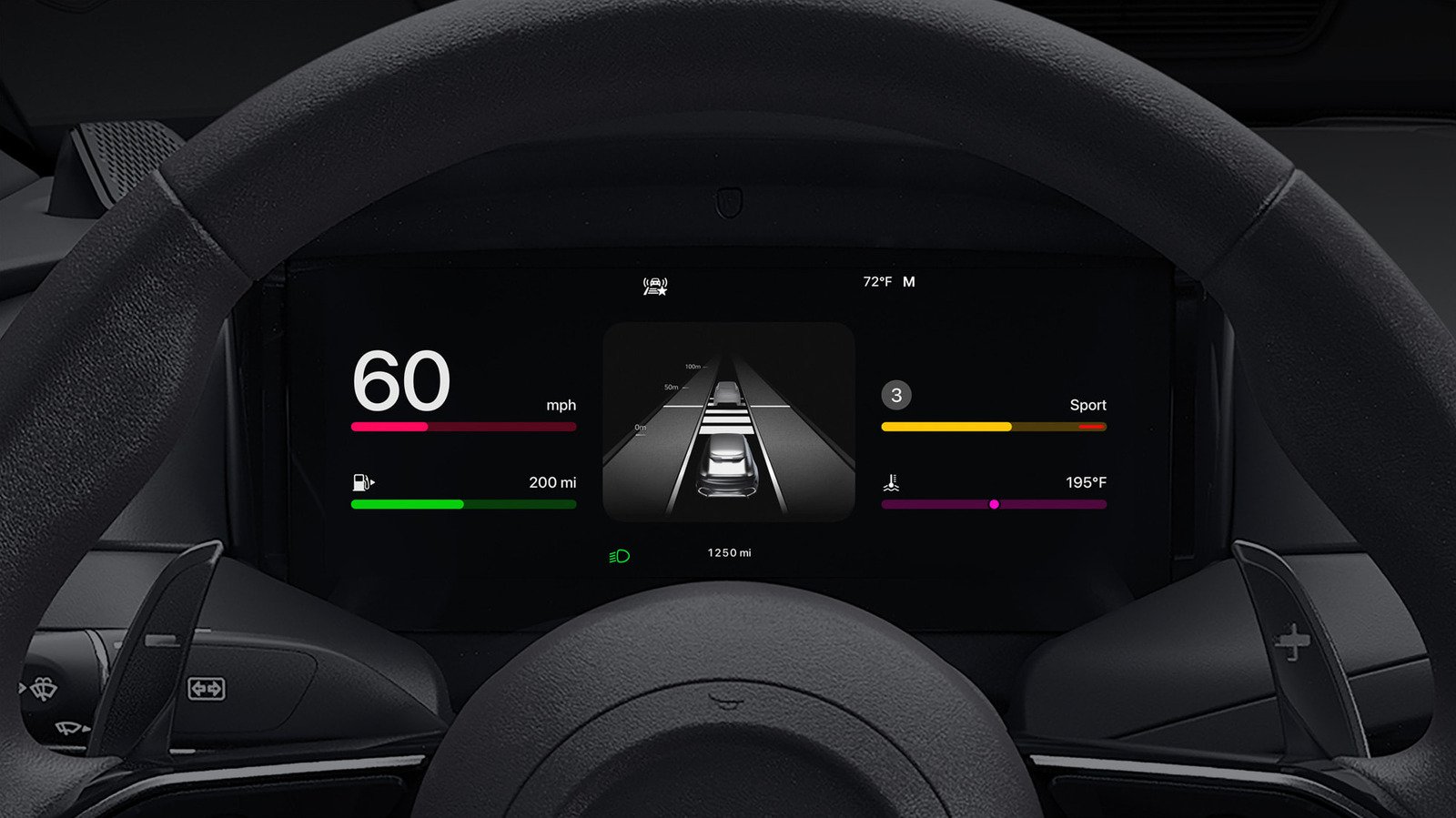
Inside the Apps menu, you can rearrange icons by dragging them into the desired sequence. Placing navigation and communication tools on the primary screen minimizes the time spent tapping through sub-menus. The system also supports the removal of non-essential applications to streamline the display. With the introduction of widget support in recent iOS versions, users can now host real-time data—such as calendar appointments, home climate controls, or weather alerts—directly on the dashboard. Utilizing the Smart Rotate feature allows the system to intelligently serve relevant information based on the time of day, ensuring that a morning commute displays traffic and calendar events, while an evening trip shifts focus to media and navigation.
Optimizing Display Appearance and Accessibility
Visual comfort is critical for maintaining focus during nighttime or low-light driving. CarPlay offers robust control over its appearance, allowing users to move beyond a static interface. Within the CarPlay settings menu, users can toggle between light and dark modes, or set the system to Automatic. The latter synchronizes the display’s brightness and color palette with the vehicle’s ambient lighting sensors, ensuring the screen is legible under harsh daylight and non-distracting after sunset.
Furthermore, changing the wallpaper and icon sets can improve visibility and contrast. Choosing a high-contrast theme can make specific interface elements easier to distinguish at a glance. For users who require additional visual aid, Apple’s accessibility settings provide tools to adjust text size and boldness within the CarPlay environment. These visual adjustments prevent eye fatigue and ensure that critical information, such as turn-by-turn navigation arrows or incoming caller IDs, remains prominent regardless of external lighting conditions.
Advanced Command Structures and Siri Integration
Siri serves as the central processing unit for voice-driven interaction within CarPlay. With the iOS 27 update, the underlying AI model powering Siri has been refined, offering higher accuracy in voice recognition and improved responsiveness to complex queries. Beyond standard commands like playing podcasts or drafting messages, users can activate Voice Control. This accessibility feature enables a hands-free, gesture-independent method of interacting with the infotainment system.
Once Voice Control is enabled in the Accessibility menu, the system enters an active listening mode. Users can dictate specific commands to navigate menus, select specific contact names, or manipulate interface elements without touching the screen. To ensure these interactions remain fluid, it is important to calibrate the microphone settings through the iPhone’s accessibility dashboard. This ensures that even in vehicles with significant cabin noise, the assistant maintains a high degree of command fidelity.
Mitigating Distractions with Driving Focus
Safety remains the highest priority for in-vehicle technology, and Apple has implemented the Focus framework to address the hazards of digital distraction. Driving Focus is a dedicated mode that curtails non-essential notifications, allowing only designated contacts or emergency alerts to penetrate the sound system. Configuring this is straightforward: users can define an “Allow List” that grants access to family members or urgent work contacts, while silencing social media alerts and non-critical app notifications.
This setting can be automated to trigger as soon as the iPhone establishes a handshake with the car’s head unit, whether via Bluetooth or a physical lightning or USB-C connection. Additionally, the system supports auto-replies, which can be customized to inform contacts that the driver is currently behind the wheel. By centralizing these settings within the Driving Focus menu, users create a protective barrier that maintains the connectivity benefits of CarPlay without the associated mental interruptions.
Balancing Connectivity and Hardware Longevity
The choice between wired and wireless connectivity is more than a matter of convenience; it involves technical trade-offs regarding power and data integrity. While wireless CarPlay is the standard for modern seamless entry, it relies heavily on sustained Bluetooth and Wi-Fi throughput. For shorter journeys, this is rarely an issue. However, for extended road trips, a wired connection provides a consistent power supply, preventing battery degradation and ensuring the phone remains at peak performance.
Finally, integrating the Shortcuts app can elevate the vehicle experience to an automated workflow. By creating “scenes” that trigger upon connection, users can initiate a series of actions—such as starting a specific playlist, launching a favorite navigation app, and setting a precise volume level—the moment the vehicle starts. Pinning frequent contacts within the Messages app on the iPhone also ensures those individuals appear at the top of the CarPlay interface, reducing the time required to initiate a call. By combining these manual adjustments with automated workflows, the CarPlay interface evolves from a basic utility into a highly personalized driving companion.
Disclaimer: This content is auto-generated for informational purposes only.
Source: Read Original News