









Microsoft Investigates Widespread Bugs in Latest Windows 11 Update KB5120998
Microsoft’s latest optional update for Windows 11, KB5120998, was intended to deliver highly anticipated features—including a resizable Start menu, a movable Taskbar, and a cleaner Windows Search experience. However, the release has been marred by significant technical issues, leading Microsoft to officially confirm it is investigating reports of system instability.
The update, which upgrades the OS to Build 26200.9278 (for version 25H2) and Build 26100.9278 (for version 24H2), has left many users grappling with distorted mouse cursors, disappearing wallpaper settings, and font rendering issues.
Mouse Cursor Customization Issues
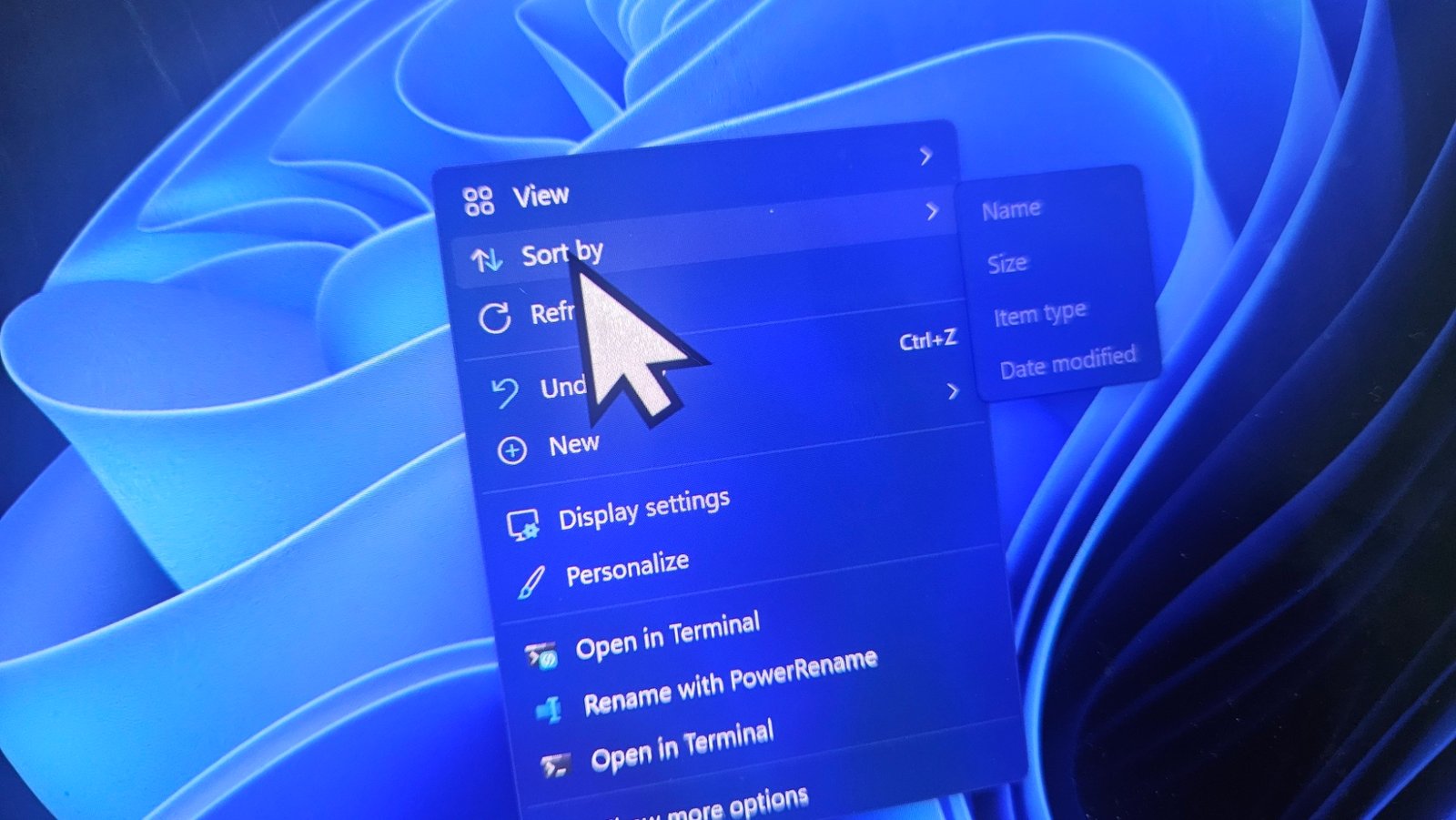
The most prominent bug involves the system’s mouse cursor settings. Users have reported that upon installing KB5120998, their personalized cursor schemes, sizes, and colors are either reverting to default or appearing at incorrect scales.
Following a barrage of user complaints, Microsoft has acknowledged the issue, noting in its official release documentation that “mouse cursor personalization settings are being changed or reverted to certain standard settings.”
Affected users have described a variety of symptoms, including:
- Cursors appearing disproportionately large or small.
- Inability to save custom cursor schemes or color preferences.
- Broken animations for custom cursor sets.
For those encountering these glitches, standard troubleshooting steps—such as registry edits or system file repairs—have proven ineffective. The only reliable fix currently identified is the manual uninstallation of the KB5120998 update.
Wallpaper and Display Problems
Beyond cursor malfunctions, the update appears to cause recurring issues with desktop personalization. Multiple reports in the Windows Feedback Hub indicate that users’ desktop wallpapers are resetting to a black screen, an issue that persists even after a reboot. Additionally, some users have reported that system fonts may appear blurry, further diminishing the user experience.
Understanding the “Preview” Label
It is important to note that while KB5120998 is labeled as a “preview update,” it is not a beta build or an Insider release. These optional “Preview of Monthly Rollups” are intended for production machines and generally include non-security fixes that will be bundled into the next mandatory Patch Tuesday.
Because these updates are not automatically installed unless a user explicitly selects “Get the latest updates as soon as they’re available,” many users may still be able to avoid these bugs by delaying the update.
How to Roll Back
For those who have already installed the update and are experiencing these bugs, the process to restore system stability is straightforward:
- Navigate to Settings.
- Go to Windows Update > Update History.
- Select Uninstall updates.
- Locate KB5120998 in the list and select Uninstall.
Because this update is optional, removing it will not leave your system vulnerable to security risks, as it is separate from the essential security patches included in the regular monthly cycle. Microsoft is expected to either release an emergency out-of-band fix or include a correction in an upcoming update to resolve these stability concerns.