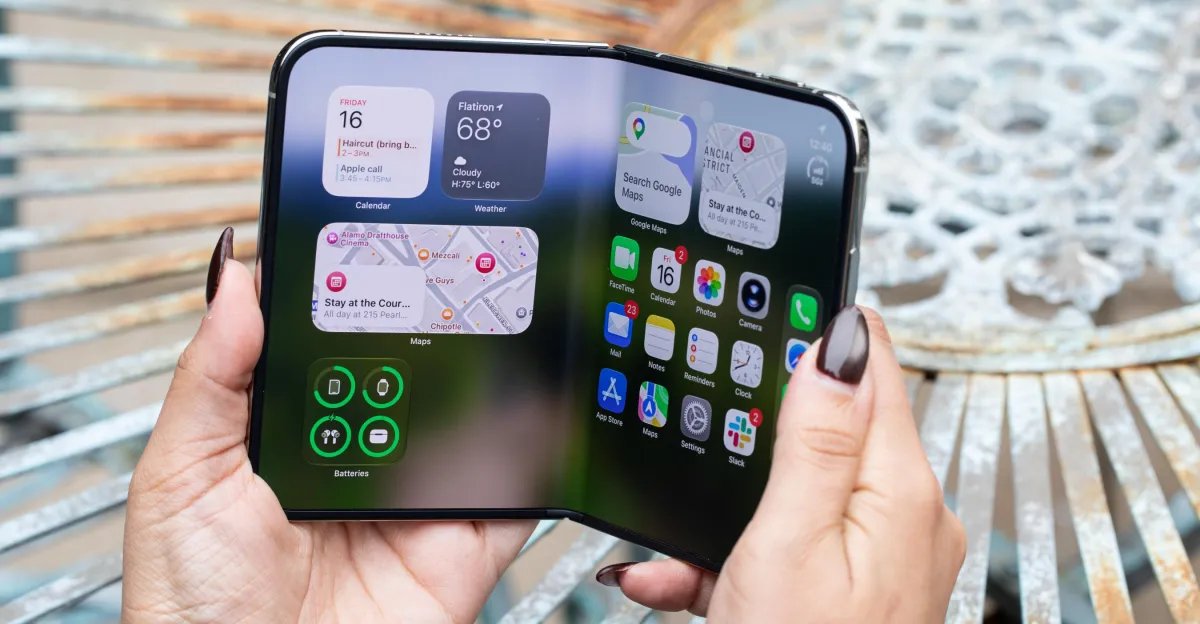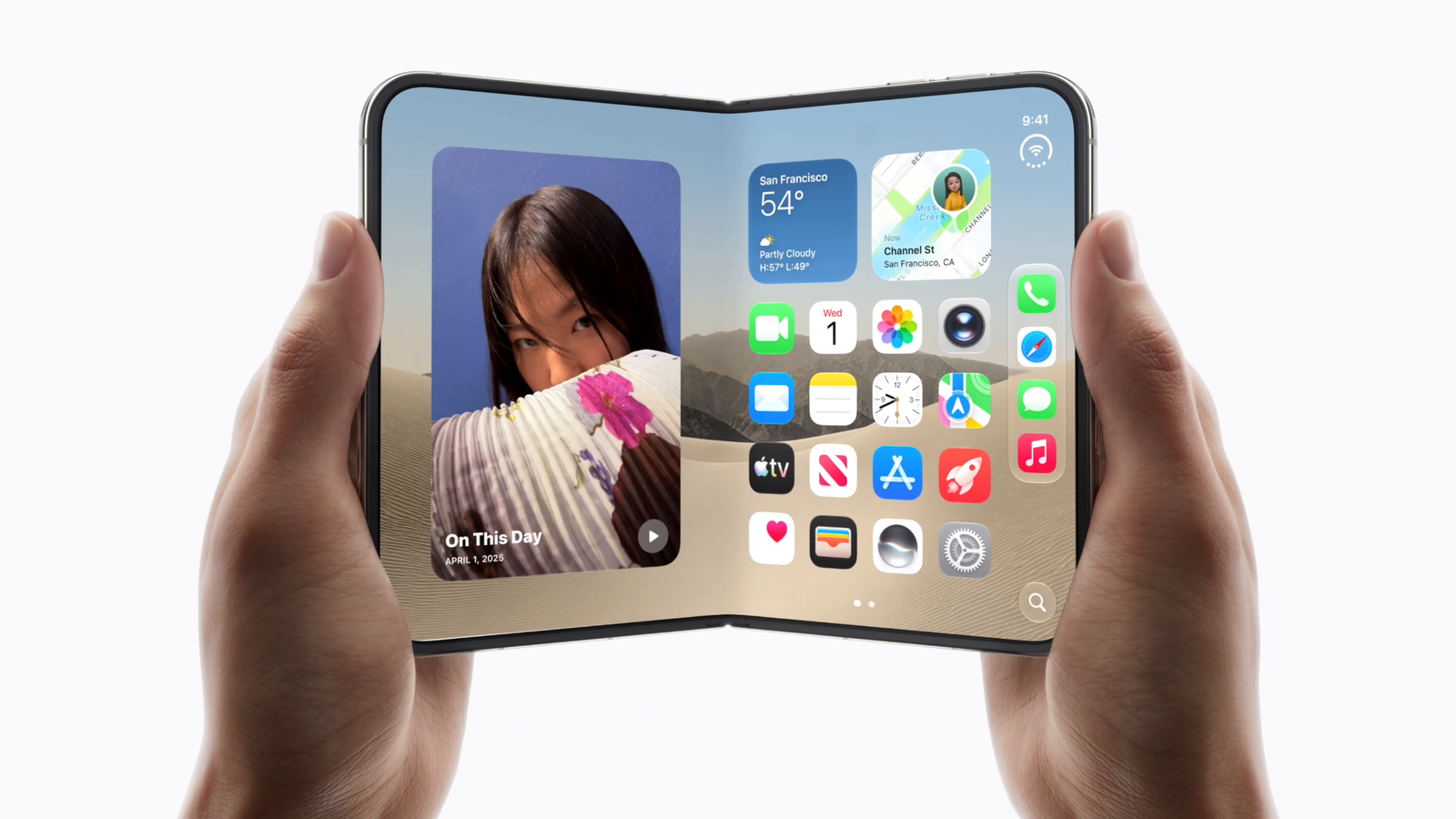









Apple has officially signaled a major shift in the mobile ecosystem with the introduction of the iPhone Duo, marking a departure from traditional single-screen smartphones. The company recently highlighted over 50 third-party applications that have been fully optimized to leverage the unique hardware capabilities of this new foldable form factor. These optimizations extend beyond simple scaling, as developers are utilizing new software frameworks to create responsive interfaces that adapt to various device states and physical positions.
Redefining Mobile Interaction Through Poses
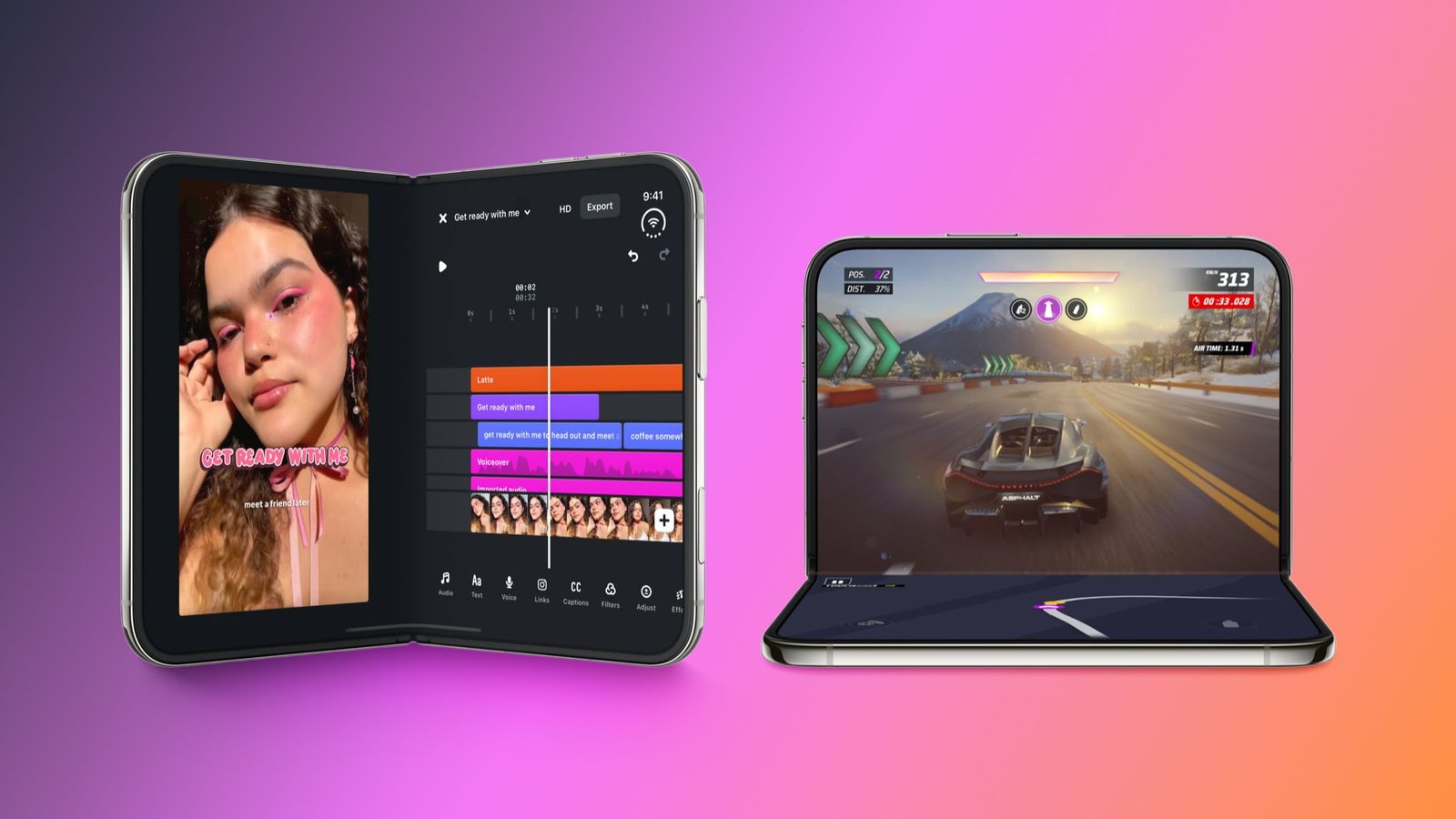
The core functionality of the iPhone Duo centers on its ability to transition between different physical states. Users can operate the device fully opened as a single expansive screen, or utilize the “seated” pose, where the device is partially folded like a book. This specific orientation allows the hardware to function as a self-supporting workstation, with one screen acting as a display and the other potentially serving as a control surface or an extended view of secondary content.
This shift requires developers to think about space differently. Applications are now programmed to detect the device’s physical geometry. For instance, media apps like Netflix and Amazon Prime Video allow users to browse content on the outer display while folded. Upon opening the device, the playback experience transitions to the inner, larger display. This continuity is a critical aspect of the user experience, ensuring that information flows seamlessly across the different hardware segments without requiring manual adjustment or reloading.
Productivity and Multitasking Capabilities
The larger inner display provides significant real estate for productivity-focused applications. Developers have begun integrating “desktop-class” interfaces that prioritize a dual-pane layout. In the Microsoft Word and Outlook applications, for example, the extra screen width allows for side-by-side management. In Word, users can keep formatting tools or navigation menus visible next to the active document, mimicking the workflow typically reserved for tablets or personal computers. Similarly, Outlook displays the inbox list on one side of the crease and the full message body on the other, increasing efficiency for managing large volumes of communication.
Collaboration tools such as Zoom also benefit from the hardware’s increased surface area. During video conferences, the interface can display shared content or presentation slides while simultaneously showing a grid of meeting participants. This is a clear improvement over traditional mobile displays, which often require users to toggle between different views to see both the speaker and the content.
Dynamic Content and Data Visualization
Beyond productivity, the iPhone Duo offers advantages for data-heavy applications. The MLB app has been updated to provide a more comprehensive view of sporting events. By utilizing the full width of the inner display, the app can present live scores, player statistics, and play-by-play data alongside the broadcast feed. This allows users to stay informed about the game’s progress without obstructing the video stream.
Similar enhancements are arriving for utility and planning apps like Fantastical, Things, and Bear. By distributing information across the wider screen, these applications move away from the linear, vertical scrolling typical of mobile devices and move toward a dashboard-style layout. This change is particularly relevant for project management, where tasks, calendars, and notes can be viewed in parallel.
Software Compatibility and Technical Implementation
While the optimization of these apps provides the best experience, Apple has ensured a degree of backward compatibility. Every existing application designed for traditional iPhones will function on the iPhone Duo. However, the system handles these apps differently based on the software development kit (SDK) used to build them.
Applications built using the latest versions, specifically iOS 27 and iOS 27.1, offer the most sophisticated integration with the Duo hardware. These versions include APIs that provide developers with precise information regarding the device’s hinge state, screen orientation, and physical pose. Older applications built on the iOS 26 SDK or earlier will still run, but they may default to standard scaling rather than the customized, split-screen layouts found in the newer, optimized titles.
The Future of the Mobile Ecosystem
The current list of optimized apps—which includes popular titles such as Instagram, Yelp, OpenTable, and various airline apps—demonstrates that developers are prioritizing the new device’s capabilities. This early adoption is critical for the success of the new form factor, as it establishes a precedent for how software should behave on foldable hardware.
By focusing on physical poses and split-screen layouts, Apple is encouraging a move away from the limitations of static screen sizes. As more developers integrate these responsive design elements, the iPhone Duo is expected to set a new standard for mobile versatility. The transition to this dual-display format represents an effort to bridge the gap between pocket-sized convenience and the high-density information display typically associated with larger computing devices, creating a hybrid hardware category that prioritizes both portability and functional space.
Disclaimer: This content is auto-generated for informational purposes only.
Source: Read Original News