








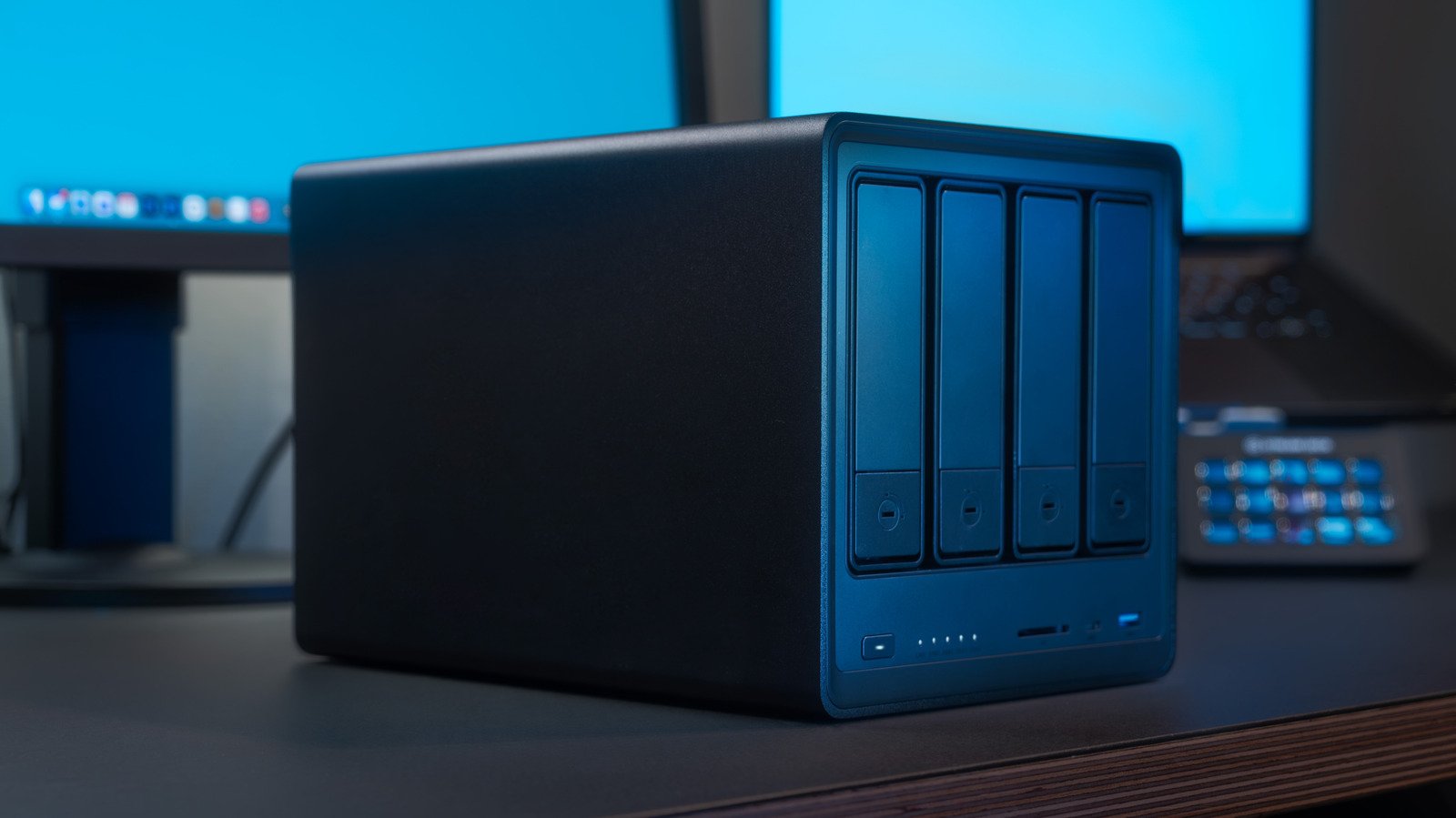
Building a home server in 2026 serves as a strategic financial move, allowing individuals to reclaim control over their digital media and services while minimizing recurring subscription costs. As the cost of streaming platforms for video, music, and data storage continues to rise, the ability to self-host content becomes a highly practical solution. Whether utilizing a compact Raspberry Pi or repurposed hardware such as an older Mac Mini or PC, the entry point for building a server is more accessible than ever, provided one understands the underlying architecture of modern server management.
Choosing the Foundation: The Debian Advantage
For those initiating their first server project, the choice of operating system is critical. A Linux distribution based on Debian is generally considered the industry standard for home server applications due to its stability, minimal footprint, and extensive community support. Ubuntu Server is a popular choice for beginners, while distributions like Pi OS Lite are optimized for the resource constraints of single-board computers like the Raspberry Pi.
These server-grade operating systems intentionally exclude a graphical user interface (GUI) to maximize hardware efficiency and security. While the absence of a desktop environment may appear daunting to those accustomed to consumer operating systems, managing a server is primarily performed remotely. By utilizing a terminal interface, users can connect from any computer on their network using Secure Shell (SSH). Once the connection is established, basic maintenance involves keeping the system current. Users should frequently execute commands such as “sudo apt update” and “sudo apt upgrade” to ensure security patches and software updates are applied, maintaining a reliable and secure environment for all hosted services.
The Role of Containerization with Docker
To manage diverse applications without causing system conflicts, the modern home server relies heavily on Docker. This technology allows software to run in isolated environments known as containers. Unlike traditional software installations that modify the host system’s libraries and configuration files, a container encapsulates everything an application needs to run. This design ensures that if one application fails or experiences an error, it remains isolated, preventing any negative impact on the host operating system or other running services.
Implementing Docker effectively often involves the use of “Docker Compose.” This tool uses YAML files to define complex application configurations in a clear, text-based format. By creating a docker-compose.yml file, users can specify environmental variables, port mappings, and storage requirements for their applications. Executing the “sudo docker-compose up -d” command allows the server to pull the necessary images and launch the services in the background, significantly simplifying the deployment process for complex software stacks.
Mapping Storage and Volumes
One of the most vital technical aspects of server management is the configuration of volumes. Docker containers exist in a state that, by default, is ephemeral; if a container is deleted, the data within it may be lost unless persistent storage is defined. This is where the bind mount feature becomes essential.
When configuring a Docker Compose file, users must map a directory on their physical hard drive or SSD to a destination within the container. This “source” and “target” mapping ensures that data generated by the application, such as movie libraries in Jellyfin or digital comic collections in Komga, is saved directly to the server’s persistent storage. Understanding this path translation—where a local file system directory is presented to the container—is the primary hurdle for new users. Once this mapping is established, the application effectively “owns” that directory, allowing users to easily manage, back up, or expand their storage as their media libraries grow.
Navigating Current Hardware Challenges
Building a server today requires a degree of caution regarding hardware procurement. The global demand for high-performance computing to power artificial intelligence data centers has tightened supply chains, leading to price volatility in components such as RAM and storage drives. Because of this, the most cost-effective approach for most users is to repurpose existing hardware.
Older office PCs or aging laptops are often more than capable of handling home media streaming, file storage, or VPN hosting via WireGuard. By opting for pre-owned equipment, users bypass the current market premiums on new hardware while still achieving significant performance. When choosing a host machine, users should focus on power efficiency and long-term reliability. A machine that runs quietly and draws minimal wattage is often more desirable for a 24/7 home server than a high-performance gaming rig that generates excessive heat and consumes significant electricity.
Expanding the Server Ecosystem
The true value of a home server manifests once the foundational setup is complete and users begin to explore the vast array of available self-hosted applications. Beyond simple media streaming, a home server can function as a central hub for productivity and network security. Setting up a WireGuard VPN, for instance, allows users to securely access their home network and local files from anywhere in the world, effectively creating a private cloud service that does not rely on third-party subscriptions.
By prioritizing free, open-source software like Jellyfin for media and utilizing containers for organizational tools, the initial investment in hardware is quickly recovered. As the server scales, users can add more storage drives or transition to more powerful hardware, maintaining their established configuration through the portability of Docker. This technical path toward self-reliance not only secures digital assets but also fosters a deeper understanding of network architecture and system administration.
Disclaimer: This content is auto-generated for informational purposes only.
Source: Read Original News